How to change it.
Tool free, about a minute. The steps are from the Rippl® Pure instruction manual.
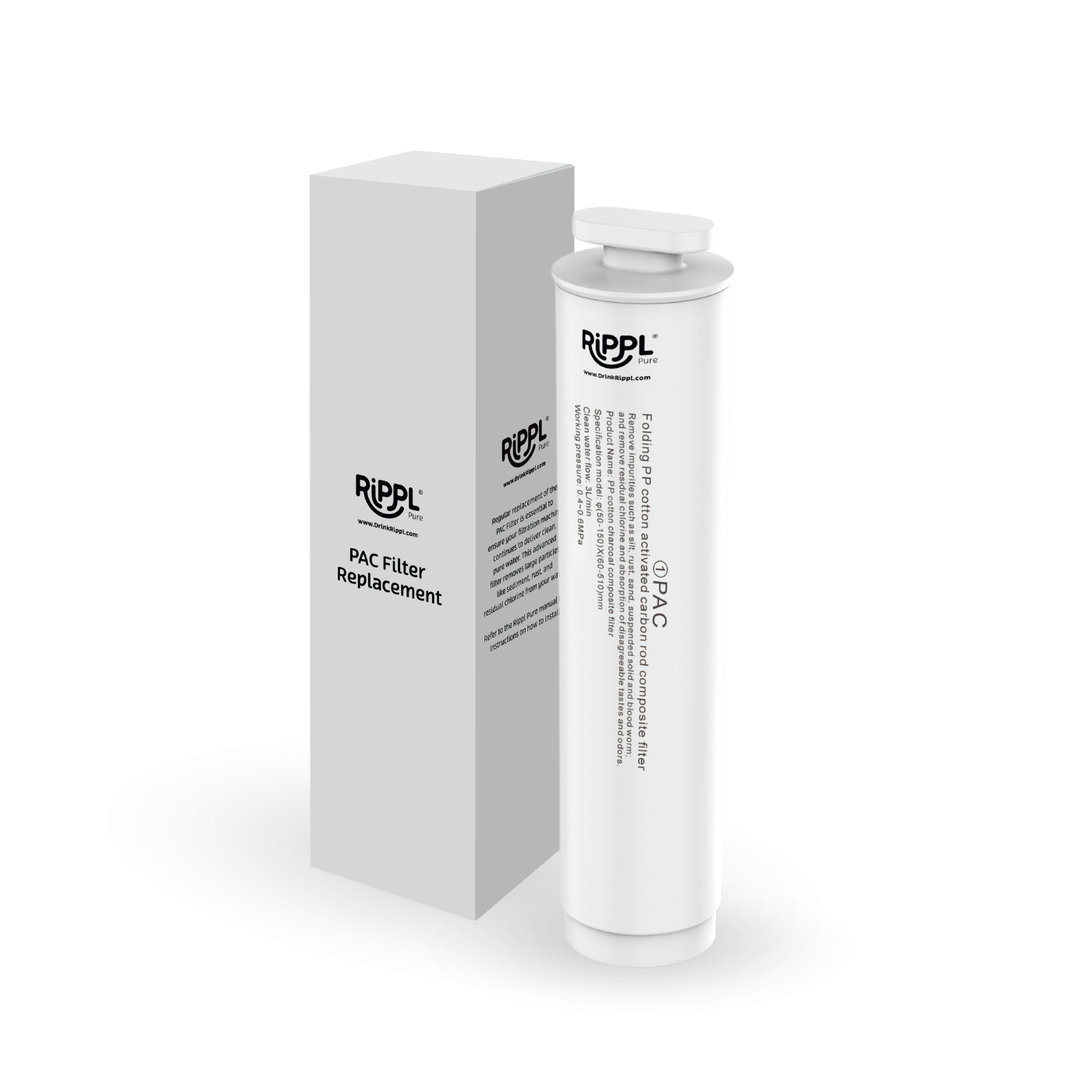
Replacing the PAC filter (Filter ①)
- Turn off the power. Disconnect the power supply.
- Open the water tank cover and gently push the top cover of Rippl Pure backwards.
- Find Filter ① (the PAC filter). It is marked ① on the filter.
- Turn the filter anticlockwise and lift it upwards to remove it.
- Insert the new filter and turn it clockwise to secure it tightly.
- Close the top cover and turn the power back on.
- Press and hold the filter button for 3 seconds to open the filter settings. The indicator will begin flashing.
- Tap the cycle button to select filter 1. The selected filter flashes.
- Press and hold the filter button again for 3 seconds to reset the filter's service life.
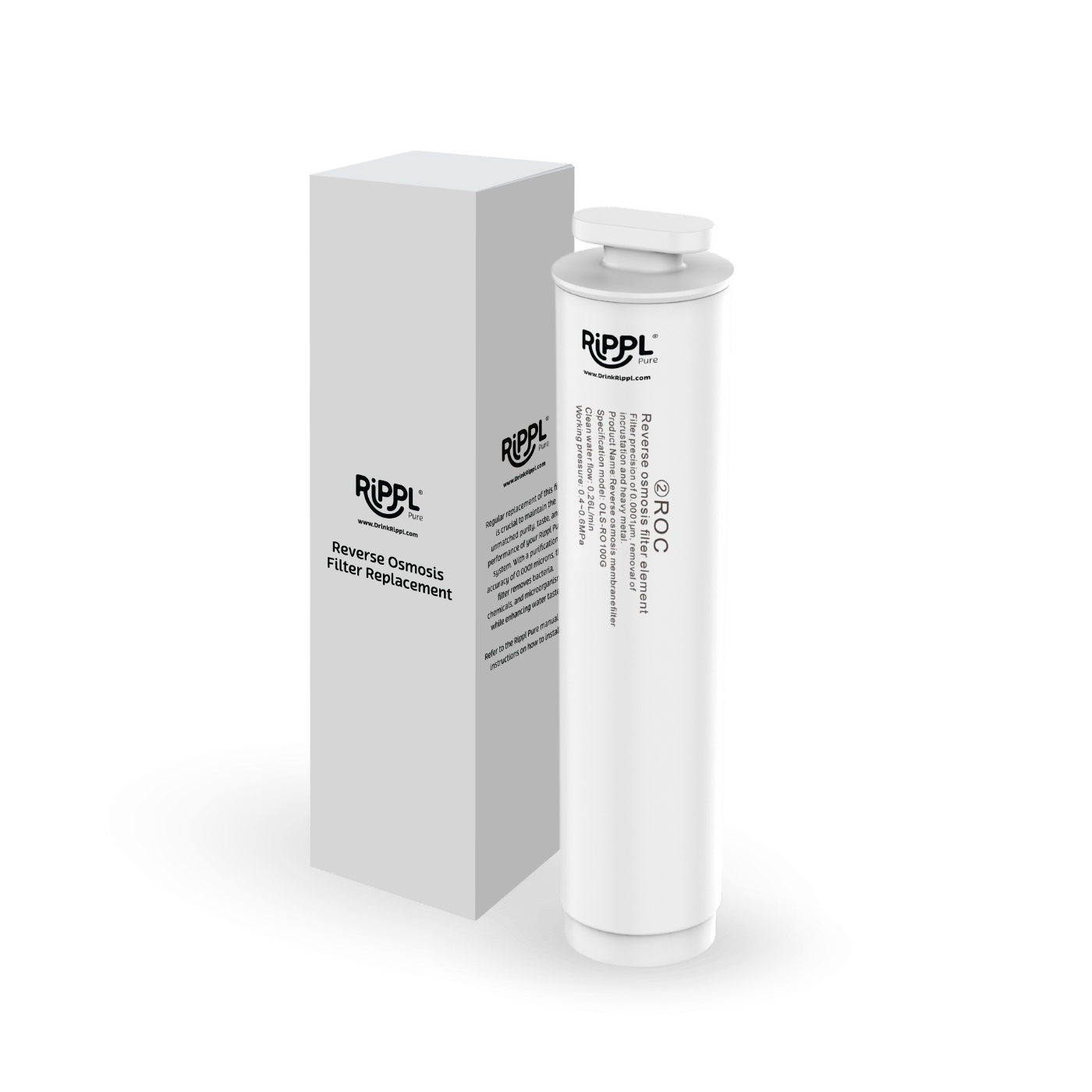
Replacing the reverse osmosis filter (Filter ②)
- Turn off the power. Disconnect the power supply.
- Open the water tank cover and gently push the top cover of Rippl Pure backwards.
- Find Filter ② (the reverse osmosis filter). It is marked ② on the filter.
- Turn the filter anticlockwise and lift it upwards to remove it.
- Insert the new filter and turn it clockwise to secure it tightly.
- Close the top cover and turn the power back on.
- Press and hold the filter button for 3 seconds to open the filter settings. The indicator will begin flashing.
- Tap the cycle button to select filter 2. The selected filter flashes.
- Press and hold the filter button again for 3 seconds to reset the filter's service life.